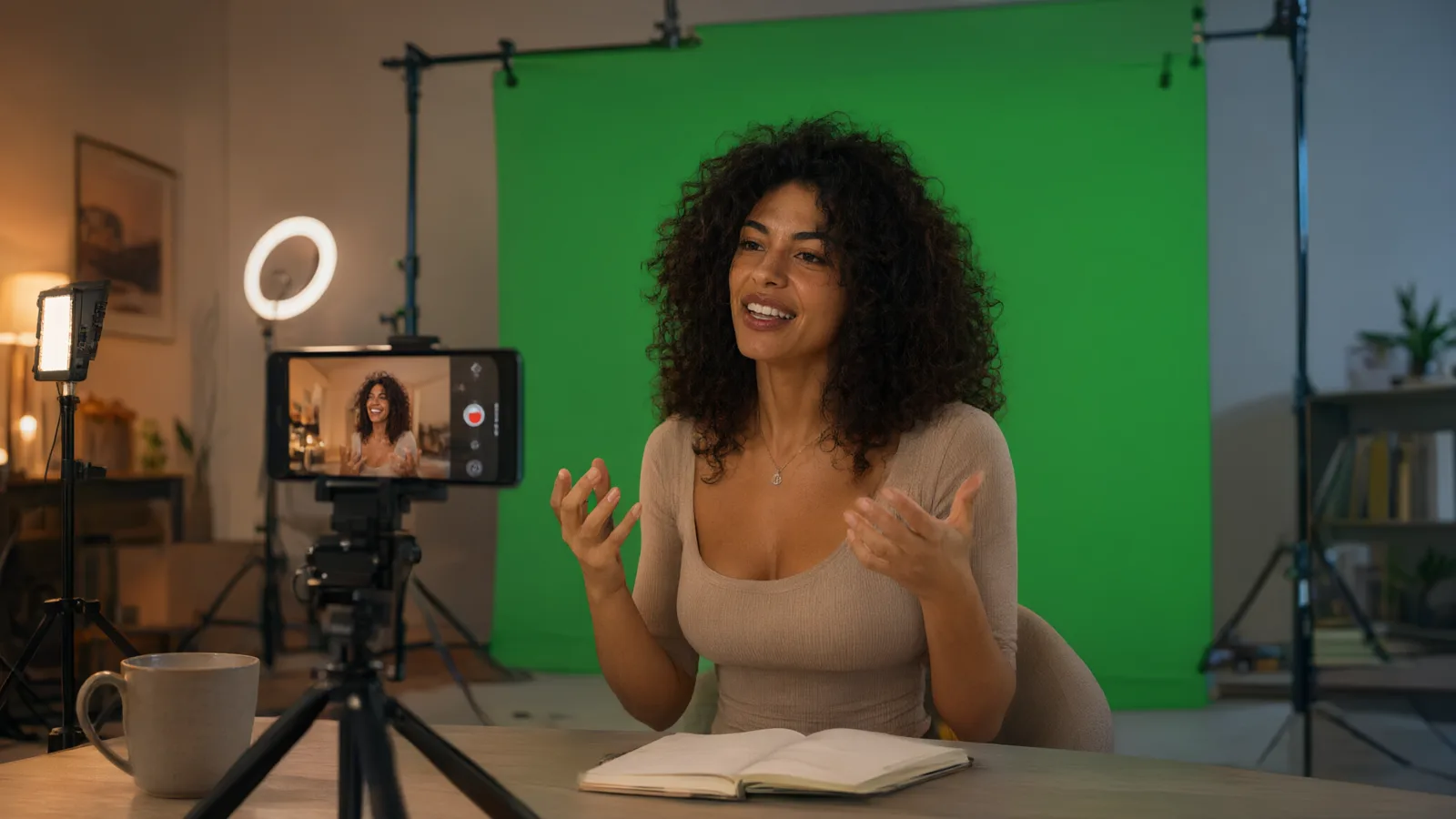
The best camera in the house is already in your pocket.
ZeroCapture Studio runs on the Android device you already own, from a phone up, and uses its real camera, not a webcam feed. Stand in front of a green screen and see yourself in the scene before you press anything.
Real camera input
Other apps key a webcam feed or a screen capture. ZeroCapture Studio keys the full-resolution still from the device camera itself, so edges, hair and skin tones come out the way the camera saw them.
Phone or big screen
The same app runs on any Android device with a camera. A bigger screen is nicer for a room full of guests; a phone is all a creator needs at a desk.
Nothing to buy twice
You already own the high-quality camera. The kit adds the green screen and the remote, and the app does the rest.
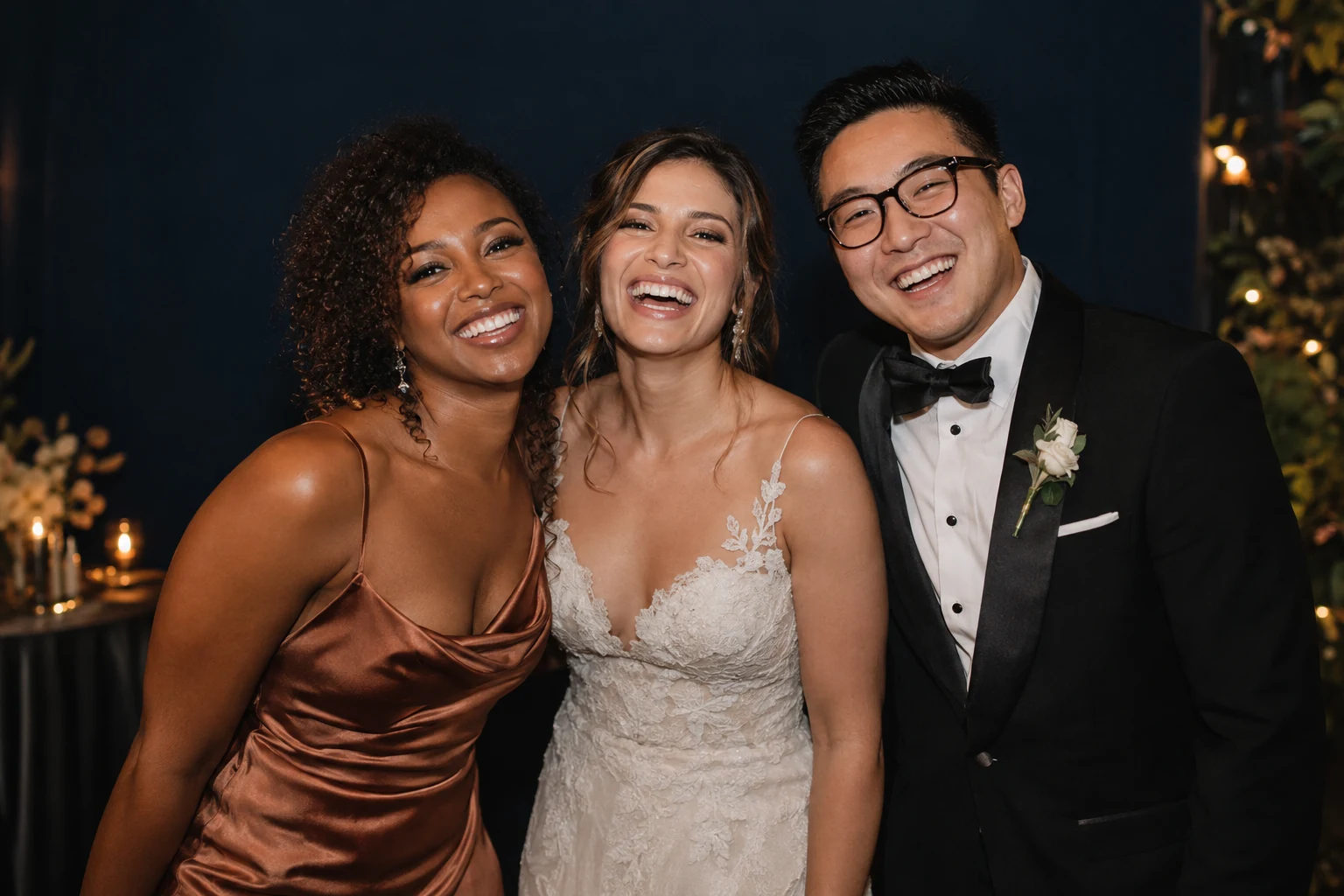
Bring your best camera to the celebration.
Birthdays, anniversaries, the big family Christmas. Hang the green screen, prop the device on a stand, and let guests pick a scene.
- One press from the sofaThe Bluetooth remote starts a big countdown and takes the photo. Nobody has to touch the screen.
- Everyone keeps itGuests scan a QR code and the full-quality photo lands on their phone over your home Wi-Fi. Nothing goes to the cloud.
- Layouts for the moodSingle shot, two up, a strip of three or a grid of four. Space, jungle, retro disco: import any backdrop you like.
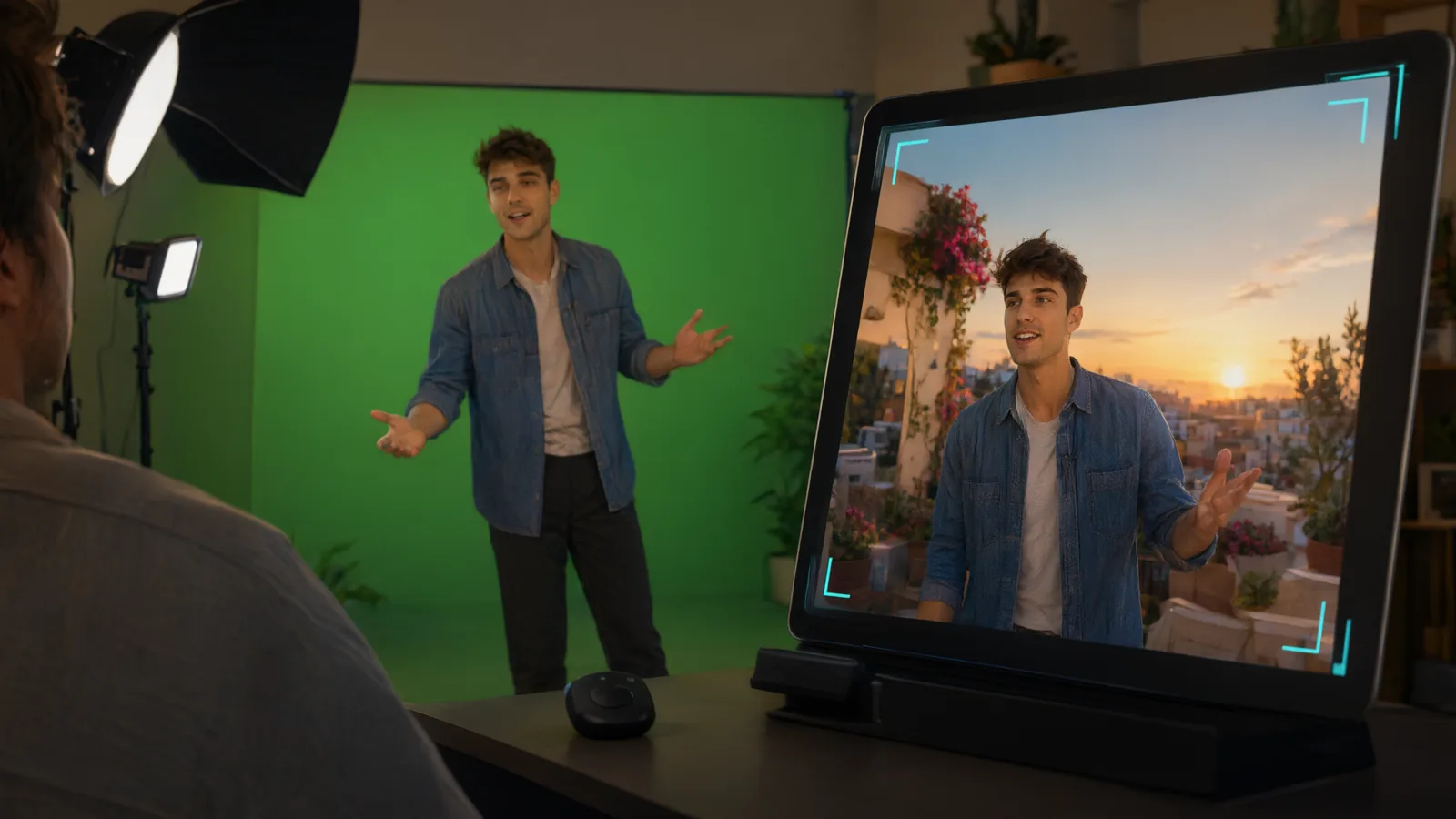
Green-screen stills without the capture card.
Thumbnails, presenter headshots, social images and product shots in front of any background, keyed from the real camera on your Android device. No capture card, no PC, no OBS in the chain.
- What you see is what you getThe same keying runs on the live preview and on the captured photo, so the framing you set is the framing you keep.
- Honest edgesTap the screen to pick the green, check the matte view, and tune spill and softness with three plain sliders.
- Your brand on every photoAdd a caption on any paid plan. With White label, stamp your logo on every photo, use your own fonts and colours, and save a look per channel.
Raw camera in. Finished photo out.
Most green-screen apps sit on top of a webcam or a screen capture and inherit their compression. ZeroCapture Studio talks to the camera directly.
Full-resolution capture
The photo is taken from the camera at full resolution and keyed from that, not from a preview stream.
No webcam, no screen capture
Nothing is downscaled or re-encoded on the way to the key. The camera is the source.
No cloud, no account
Photos stay on the device. Sharing is a QR code over local Wi-Fi, with links that expire.
Works in a hurry
Kiosk mode and auto-reset mean the booth runs itself while you enjoy the party, and paid plans add an attract screen.
Questions from home users and creators.
Can I use my phone?
Do I still need a green screen?
Is it a webcam app?
Does it record video?
Do guests need an app?
Where do the photos go?
Start with the camera you already have.
Tell us which device you use and what you want to make, and we will point you at the right kit.