Their event. Your brand. Not ours.
Guest screens carry no ZeroCapture branding. Colours, fonts, logo, watermark and every message guests see are yours, saved as a skin per client and switched in seconds. Turn on Club mode and leave it running all night.
Your logo. Your words. Your booth.
Ready-made skins
Studio, Wedding, Blush, Neon night, Corporate, Monochrome, Garden party, Gold & black gala, Retro 70s and Kids party, plus the ZeroCapture looks. Each is a complete look, checked for readability, ready to make your own.
Everything editable
Five colours, the display, interface and countdown fonts (bundled, or your own TTF or OTF), the button shape, your logo and website, and every message guests see.
One skin per client
Save a skin for the wedding, one for the agency, one for the venue. Switch before the doors open.
Charge for the branded package, not just the booth.
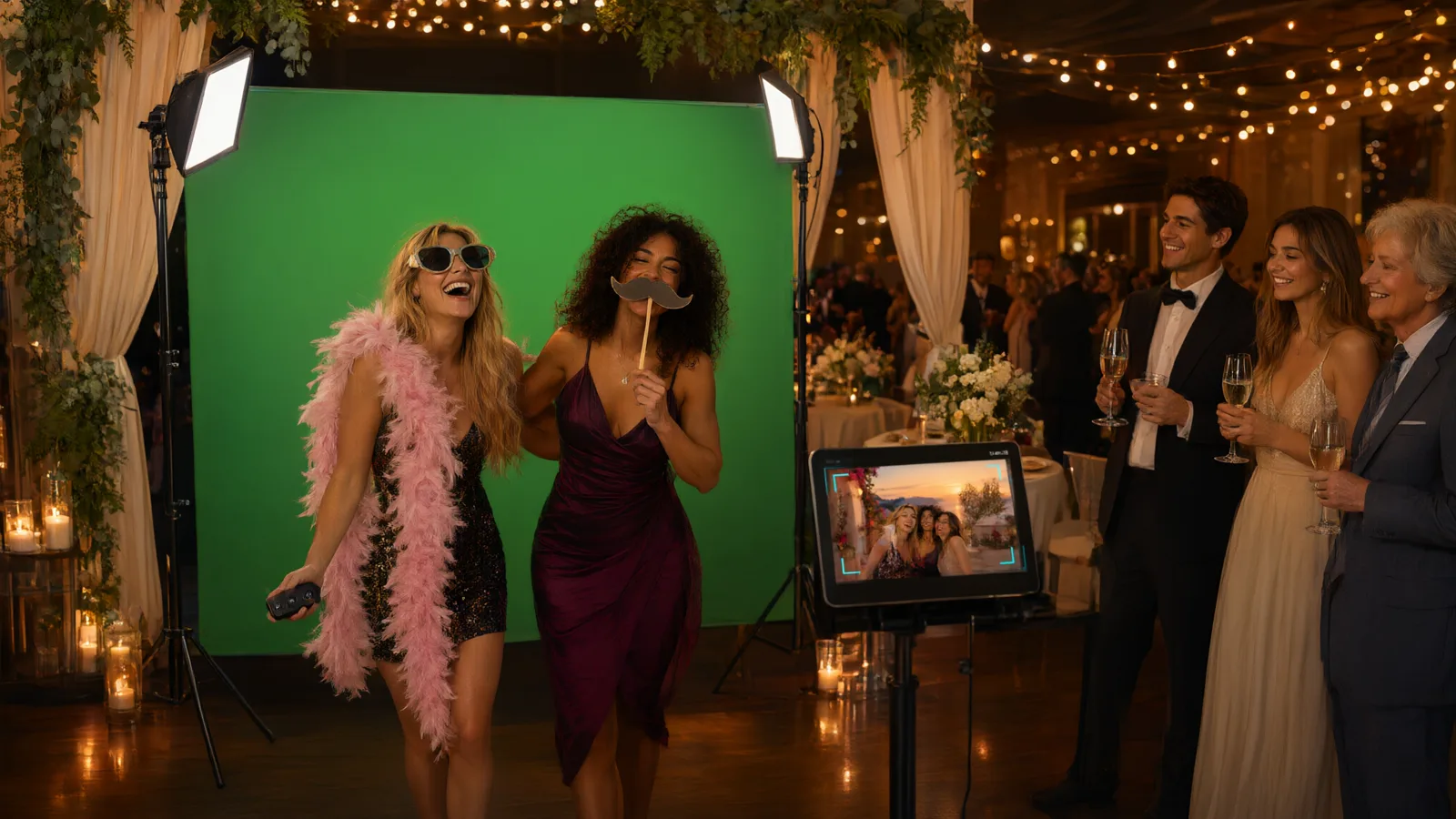
A green-screen package with the couple's names on every photo, the venue at golden hour behind them, and your company nowhere in sight. That is the booking that wins.
- Watermark and captionPosition, size and opacity for the logo. An event caption and date on every photo.
- Branded backdrops and framesImport JPEG, PNG or WebP backdrops and transparent PNG frames, per client, in seconds from the device.
- Rewrite the guest experienceEvery prompt, button and thank-you line can be worded in the client’s voice.
- A steady key all nightLock exposure and colour once the green screen is lit, so the key holds when someone in black or white steps in. Expose for faces keeps guests bright against the screen.
A branded activation with no data leaving the room.
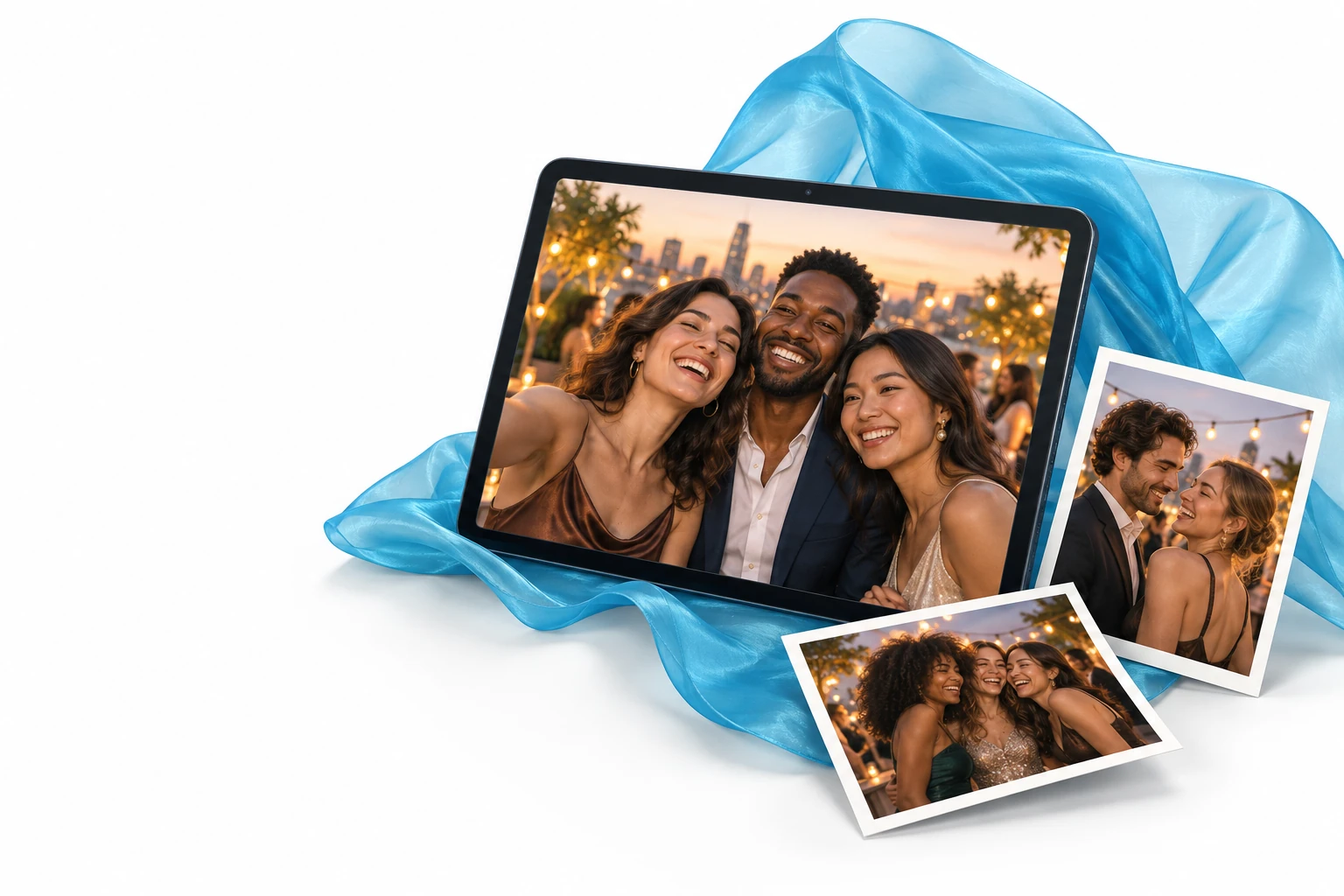
Launches, trade shows, retail pop-ups and permanent venue booths. Guests step into the brand world, every photo is branded and shareable, and nothing is uploaded to anyone's cloud unless you choose to.
- Club modeA walk-up booth for clubs, bars and venues. Guests see only the camera and the shutter, take their photo and get it with its QR code. Nothing else can be changed, so you can leave it running all night.
- Your stamp on every photoIn Club mode each photo carries a small stamp with the date and time it was taken. On White label: your logo and line, or none.
- Throwaway photosFor venues that keep nothing: each Club mode photo is deleted from the device, and from ZeroCapture Cloud, after the time you choose, and never while a guest’s QR link still works.
- Private by designPhotos stay on the device. QR sharing works over local Wi-Fi and links expire. ZeroCapture Cloud is optional, and a guest who asks for a photo by email or SMS gets a link to a copy kept online for 7 days. A clean answer for GDPR-conscious clients.
- Kiosk-readyScreen pinning keeps guests in the app, the booth resets itself, and an attract screen plays while it waits, waking when someone walks up.
- Locked adminSettings live behind a PIN with a recovery code, so staff can run it without changing it.
Photos to their inbox. Details to your client.
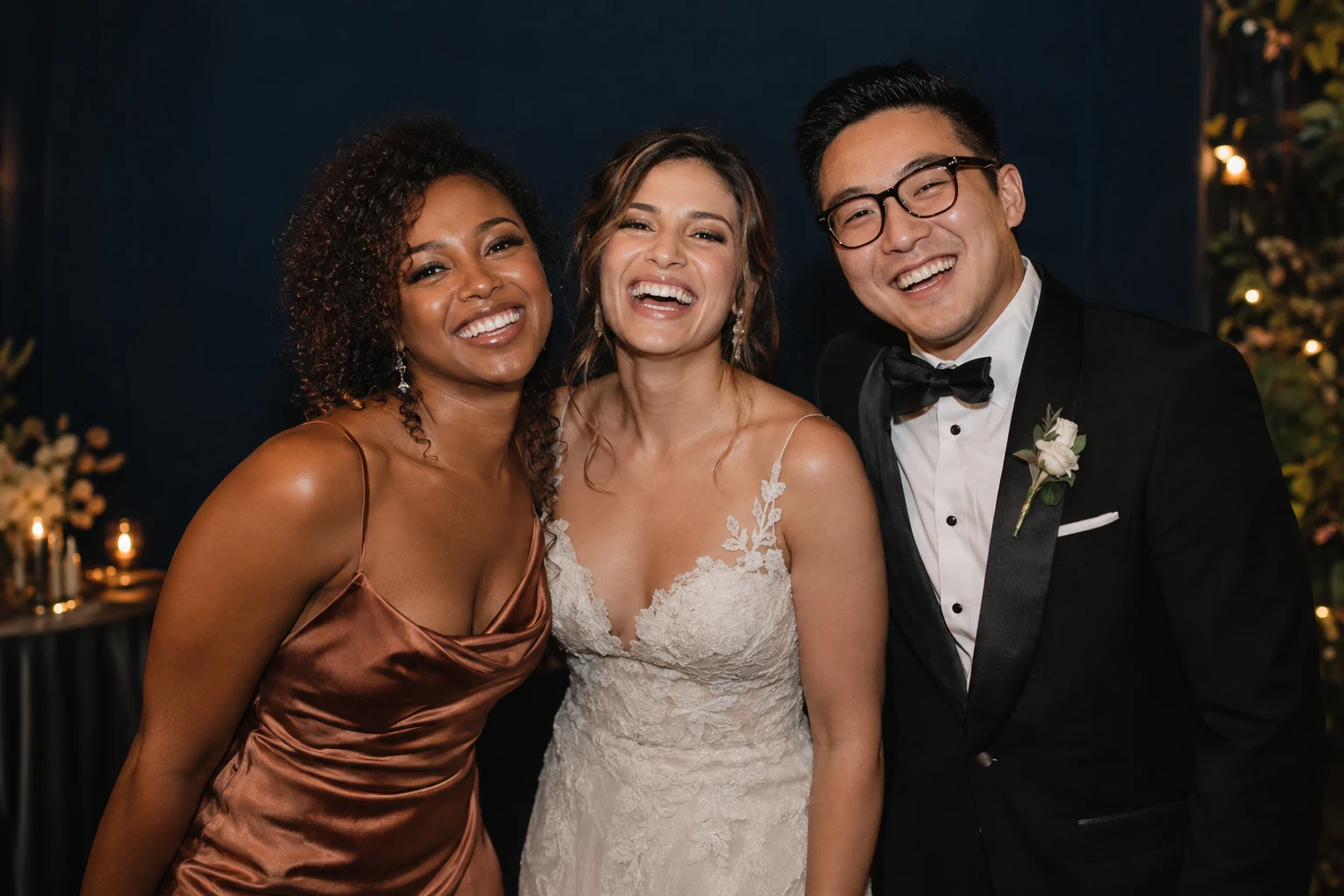
White label turns the guest’s phone into part of your booth: the page their QR code opens can send the photo on, ask your client’s questions, and say thank you in your brand, never ours.
- Email and SMSGuests type their address on the page their QR code opens, or on the booth's keyboard (Email); sent by ZeroCapture mail (a free ZeroCapture account, up to 1,000 a month) or your own email server. No ZeroCapture Cloud subscription is needed, from the phone or the booth. Guests type their number on the page their QR code opens, or on the booth's number pad (Send by SMS on the booth). Each SMS uses SMS credits bought in the app; credits never expire. No ZeroCapture Cloud subscription is needed, from the phone or the booth. At launch SMS go to UK numbers only.
- Guest details and surveysAsk for a name, email, phone or a tick, and up to three survey questions, on the guest's own phone when they get their photo; export a CSV per event.
- A consent screenAsk guests to agree to your terms on the booth before a photo, in your own words, and keep a record.
- Today’s photosA live page of today's photos for another device or a TV beside the booth, on the same network, with a QR code on each photo.
- Live screen stylesTurn a TV into a live photo wall: Grid, Mosaic, Spotlight, Carousel or Polaroids, chosen per event, for Today's photos and the cloud live screen.
- Monitor from your phoneA read-only status page for your phone on the same network, behind the admin PIN: photos, battery, storage, camera, sharing, Cloud queue and SMS credits.
The whole guest screen, top to bottom.
Colours
Five colours per skin: surface, deep surface, text and controls, accent, and muted text.
Type and shape
Display, interface and countdown fonts, bundled or your own TTF or OTF, and four button shapes.
Logo and watermark
Your mark on the attract screen and on every photo, sized and placed the way you want.
Copy
Every message guests see is editable, in any language you like.
Backdrops and frames
Your library, per client, imported from the device in seconds.
Layouts
Single, Two up, Strip of three, Grid of four; layout packs add more and work on every plan, each in portrait and landscape.
Client galleries
With ZeroCapture Cloud, a web gallery for each event with an optional password and an expiry you choose. Every plan with Cloud has them; White label puts only your branding on them.
Club mode
The walk-up booth for a venue: only the camera and the shutter, your logo and line on the stamp of every photo, and throwaway photos deleted after the time you choose. Email and SMS stay on the result, on White label.
Branded booths, built by operators.
Venue booths, trade-show stands and themed worlds: how operators set them up for their clients.
Questions operators ask about white label.
Do guests ever see the ZeroCapture name?
Can I brand it differently for every client?
Can I use my own fonts?
How is White label paid for?
Can I try White label first?
Can guests get their photo by email or SMS?
What does SMS cost?
Do Today’s photos and Monitor work over the internet?
Can I charge clients for events?
What happens if White label ends?
Do photos go to your servers?
Can my client get a gallery of their event?
Can I leave the booth running in a bar or club?
Where are the help articles?
Make it look like yours before the first booking.
Install it from Google Play, then send us your logo and colours and we will help you build your first skin.