
Run a photo booth business from one device.
ZeroCapture Studio turns an Android device into a complete green-screen booth: camera, screen and studio in one. Less to buy, less to carry, and a branded package to sell at every booking.
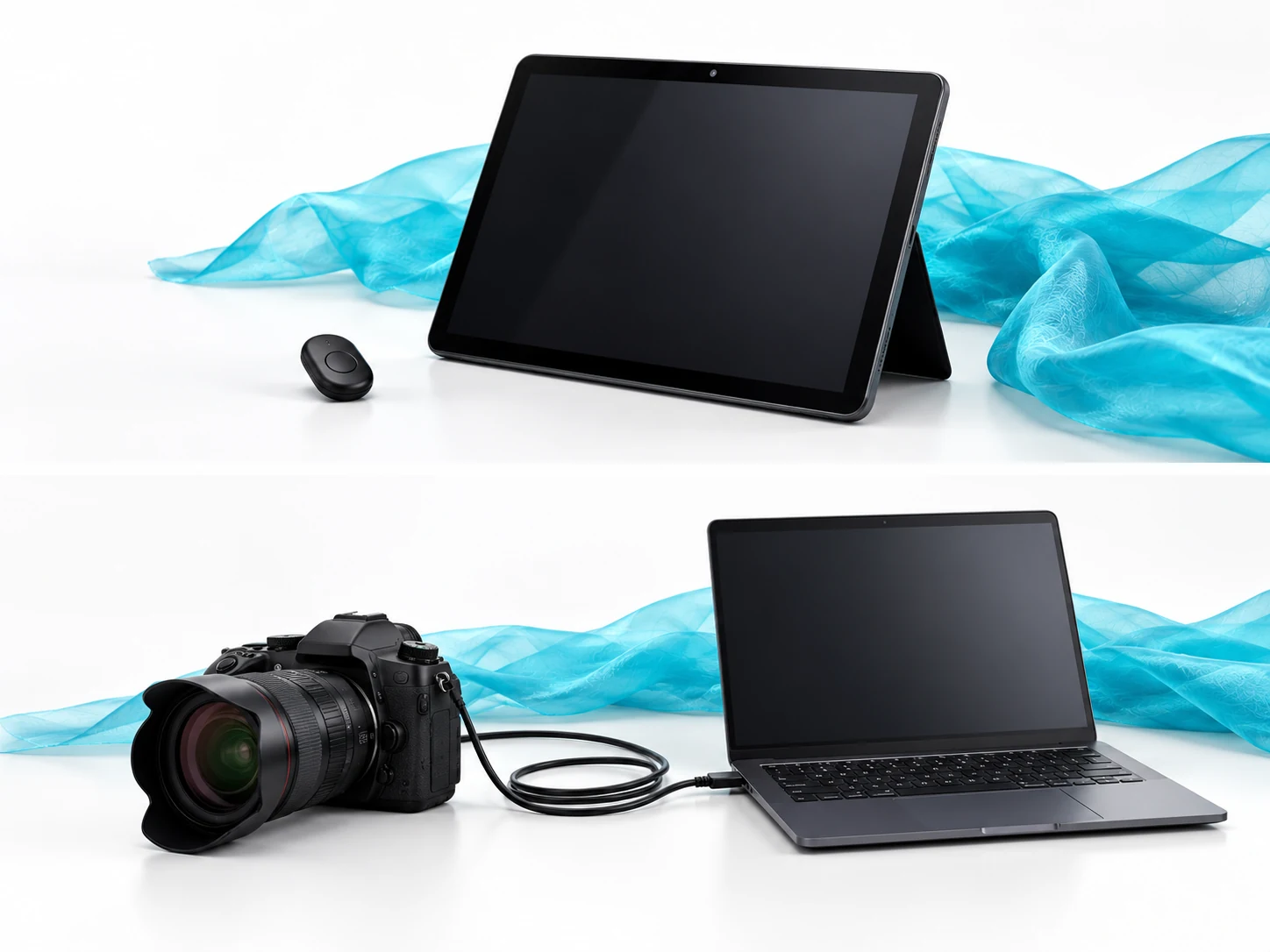
Swap the camera, laptop and cables for one device.
A traditional green-screen booth chains a DSLR to a laptop through a capture setup and keying software. ZeroCapture Studio keys the device’s own full-resolution camera, with the live scene on its own screen.
- Less to buyYou may already own the device. Add a green screen and a Bluetooth remote, and that is the whole booth.
- Faster to set upHang the screen, stand the device, pair the remote, tap the green once to set the key.
- Less to breakNo capture cable, no driver updates, no second screen to balance on a table.
Your brand. Their event. Not ours.
Sell it as your own
With White label, guest screens, photos and the QR download page carry only your branding, or your client’s.
A skin per client
Saved skins per client: unlimited on White label. Switch the whole booth before the doors open.
Upsell the package
Charge for the green-screen scenes, the client’s logo on every photo, a caption with their names, boomerangs saved as GIFs, and, with ZeroCapture Cloud, an online gallery of the event in your branding, not just the booth.
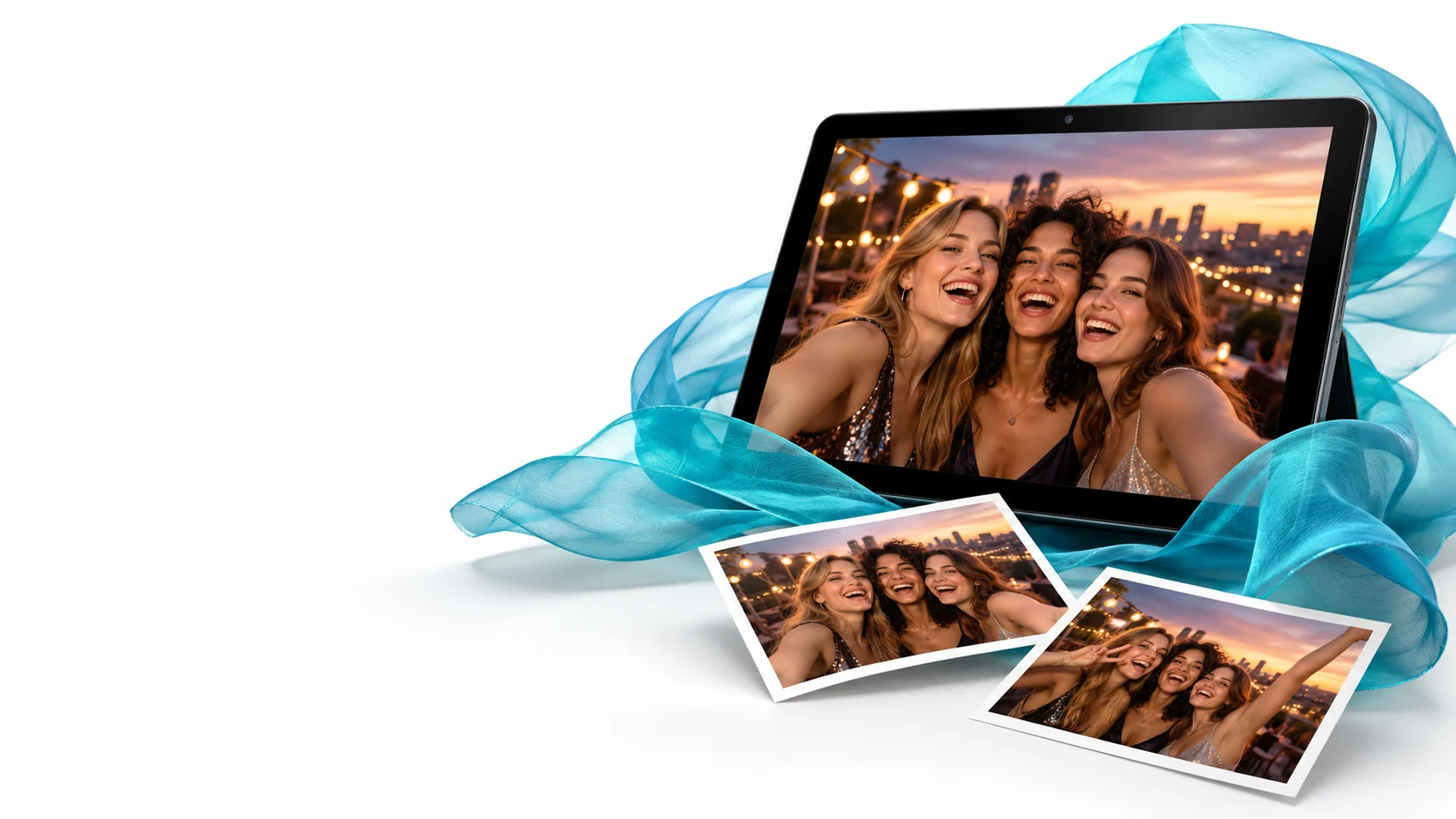
It looks after itself between guests.
Guests use the remote, not the screen. You set it up, lock it, and get on with the event.
- Kiosk-readyKiosk mode keeps guests in the booth, it resets itself after each photo, and settings are behind a PIN with a recovery code.
- Club mode for venue installsFor a booth that lives in a bar or venue: guests see only the camera and the shutter, get their photo with its QR code, and nothing else can be changed. Your logo and line go on the stamp of every photo, and throwaway photos are deleted after the time you choose. Venue use needs White label.
- Works without internetSharing is by QR over local Wi-Fi, so venue internet doesn't matter. A paid plan keeps working offline, with 30 days between checks.
- Your logo stamped onA watermark on every photo, on White label, so every shared photo advertises you.
- What you needAny Android device with a camera on Android 7.0 or later, a green screen and a Bluetooth camera-shutter remote. The app is on Google Play: Free is the full booth, and White label is bought in the app.
See how other operators build their booths.
Big curtain stages, venue booths and themed worlds, with the kit, the lights and the tricks that made them work.
What operators ask before they switch.
What equipment do I need to start?
Which plan do I need to charge for events?
How much is White label?
What happens if I stop paying for White label?
How many devices can I run?
Does it print?
Can I try it before I pay?
Can I install a booth in a venue and leave it?
Where are the help articles?
See what your clients would see.
Install it from Google Play, then send us your logo and colours and we will help you build a skin for your first booking.