

A branded photo booth that keeps guest data in the room.
Launches, trade shows, retail pop-ups and permanent venue booths. Guests step into your brand world on one Android device, every photo leaves with your logo on it, and Club mode lets you leave it running all night.
Your brand. Their photo. No uploads.
Your brand world behind them
Import your own backdrops and frames from the device, then pinch and drag each backdrop into place.
Your fonts and colours
Build a look from scratch with your colours, fonts and button shape, on White label.
Every word on brand
With White label, rewrite every guest-facing message in your voice.
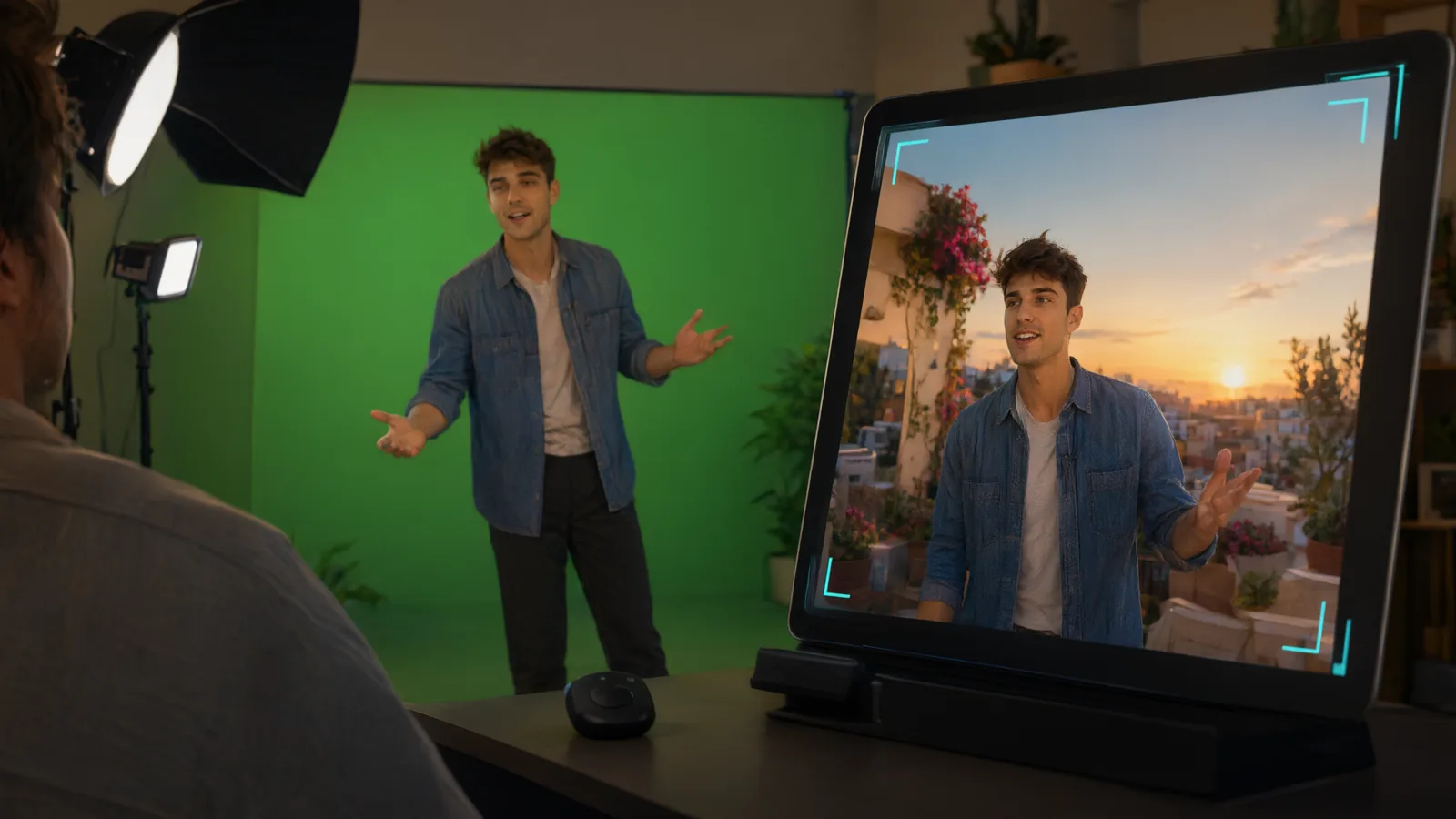
Guests step into the campaign, live.
The keyed scene is on screen before anyone presses anything, so guests pose for the brand world they can already see. One press of the remote takes a full-resolution photo.
- Your logo on every photoWatermark position, size and opacity, on White label.
- No ZeroCapture anywhere guests lookWith White label, guest screens, photos and the QR download page carry only your branding.
- An attract screen that invites people inBetween photos, an attract screen with your logo, on White label. It can wake when someone walks up.
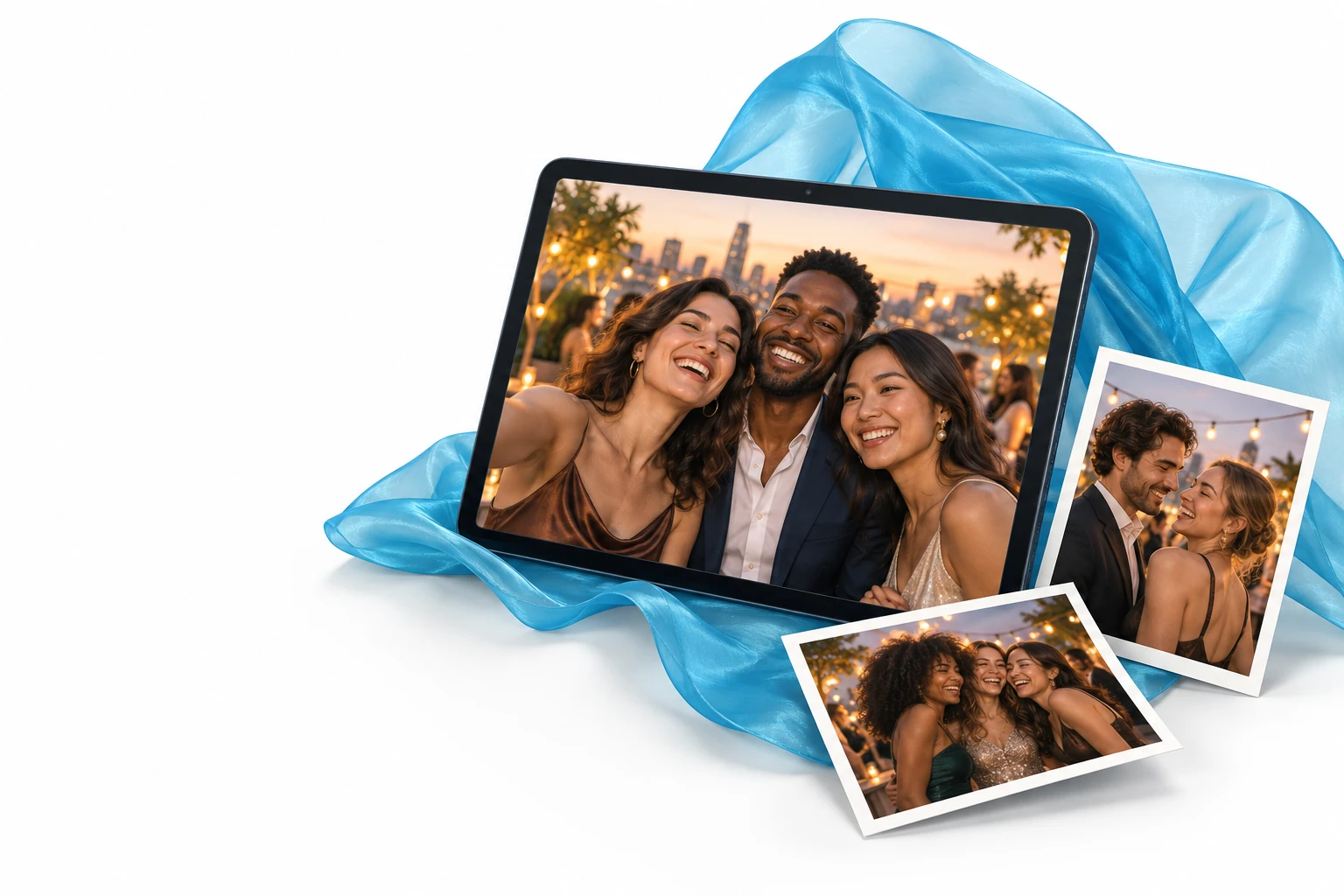
A clean answer when the client asks where guest photos go.
Photos are saved on the device that took them. Sharing happens over the local network, and nothing goes to a cloud unless you decide it should.
- Stored on the deviceEvery photo is saved to the device’s own photo library, and the app’s settings and branding are kept out of Android cloud backup.
- Links that expireQR links only work on the same Wi-Fi, and they stop working after the time you set: links last 1 hour to 30 days.
- Nothing kept longer than you chooseIn Club mode, throwaway photos are deleted from the device, and from ZeroCapture Cloud, after the time you choose, and never while a guest’s QR link still works. Guests see the time under their photo.
- Faces only wake the boothThe camera’s face detection can wake the booth when someone walks up. Faces are never recognised, recorded or sent anywhere.
- Cloud only if you choose itZeroCapture Cloud is an optional add-on for online QR links and client galleries, on every plan. Without it, a photo leaves the device only when a guest asks for it by email or SMS (White label): a copy stays online for 7 days so the link works.
Less to carry, less to break.
One device
The camera, the screen and the studio. No laptop, no DSLR, no capture card, no OBS.
Fast setup
Hang the green screen, stand the device, pair the remote, tap the green once to set the key.
Steady all day
Lock exposure and colour once the screen is lit, so the key holds when someone in black or white steps in.
A skin per client
Agencies switch the whole booth between clients in seconds.
Club mode for the venue
A walk-up booth for a bar, club or permanent install: guests see only the camera and the shutter, get their photo with its QR code, and nothing else can be changed. Each photo carries a stamp with the date and time, and on White label your logo and line.
A live wall on the stand’s TV
Today’s photos puts the day’s photos on a TV beside the booth, in the event’s screen style. White label: all five: Grid, Mosaic, Spotlight, Carousel and Polaroids, chosen per event, on the booth's network, and online with ZeroCapture Cloud.
Trade-show stands and branded booths, built by others.
How operators and agencies set up branded booths: the stand, the lights, kiosk mode and the client’s look. Copy one, or show us yours.
What agencies and venues ask us.
Can it run at a trade show with no internet?
Does the booth collect guests’ names or email addresses?
Where do guests’ photos go?
Can we use our brand fonts?
Can an agency brand it for several clients?
Can it run all day without staff?
Can we charge a client for the activation?
Make it look like your brand before the event.
Install it from Google Play, then send us your logo and colours and we will help you build a skin for the event.